

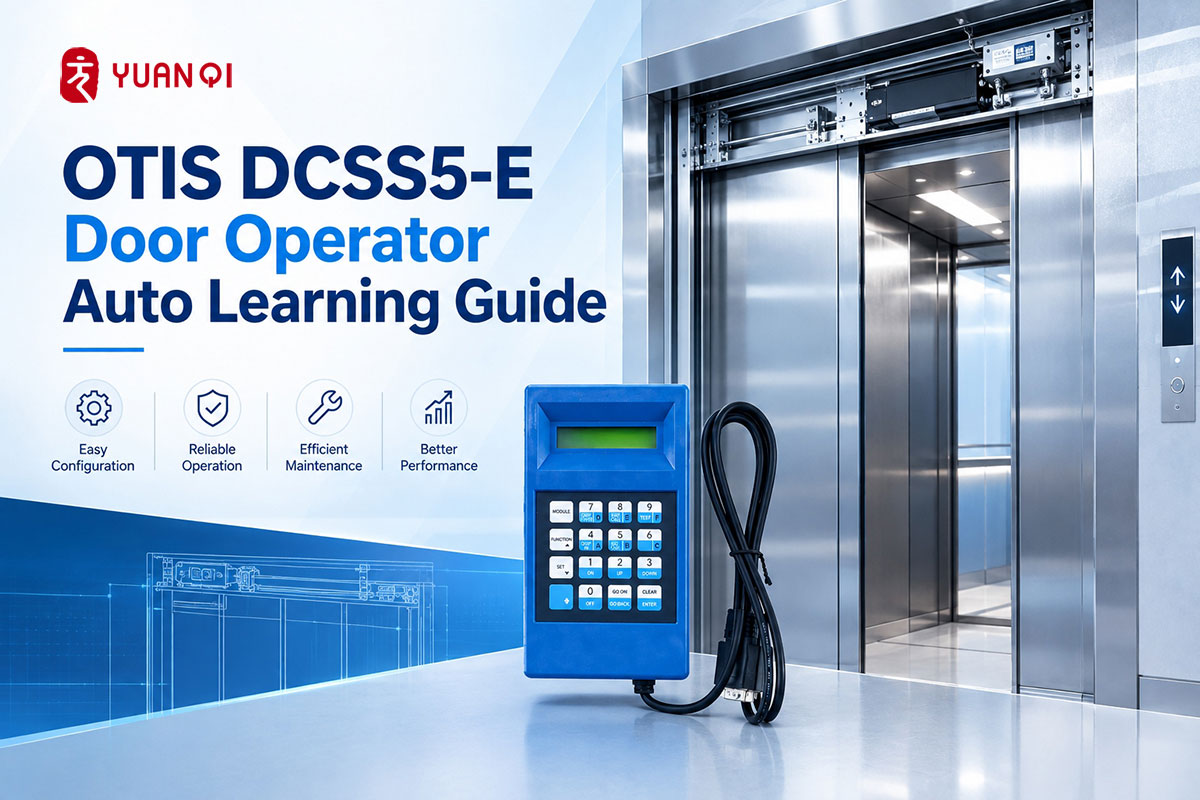
The OTIS DCSS5-E door operator requires an auto-learning process when commissioning or adjusting the door system. Using the TT service tool, technicians can access the door operator setup menu, select the appropriate door configuration, and complete the automatic learning process.
The correct selection of the door type and DCSS address is particularly important because these settings affect the subsequent auto-learning procedure.
This guide summarizes the DCSS5-E auto-learn process based on the provided commissioning procedure.
1. Prepare the Elevator for Commissioning
Before starting the auto-learning procedure, place the elevator in inspection operation from the car top.
The TT service tool can then be connected for accessing the door operator setup functions.
2. Enter the TT Service Menu
After inserting the TT service tool, press M.
When the tool prompts for the next operation, press 3.
Under normal conditions, the third menu may not be displayed directly because it contains settings that can affect the door operator’s operating curve and other important parameters.
To access this menu:
Press the Blue Key / SHIFT → Press 7
The third menu will then become available.
3. Enter the SET UP Menu
Enter the third menu and select:
SET UP
Then follow the menu path:
1 – Inst1 → 1 – Config
This takes you to the door operator configuration settings.
4. Select the Door Operator Type
The DCSS5-E setup provides several door operator type options.
3-Wire
3-Wire is generally associated with the MCS120 / MCS220 systems.
The corresponding door operator type in the MCB menu is 12.
3-Wire w DOB
3-Wire w DOB is used for Gen2 elevator systems.
The corresponding door operator type is 13.
Multidrop
Multidrop corresponds to MCS3XX / MCS4XX systems.
The corresponding door operator type is 2.
For an OTIS 4200 elevator in the example procedure, Multidrop is selected.
Relay
The Relay option is an older configuration and is rarely used in the described application.
5. Select the DCSS Address
After confirming the door operator type, the TT will prompt for the DCSS Address.
The available address selection depends on the door configuration:
- · DCSS1 – Front door
- · DCSS2 – Rear door
- · DCSS3 – Front and rear doors / double-door configuration
- · DCSS4 – Not used in the provided procedure
For a front-door configuration, select:
DCSS1
6. Start the Learn Run
After selecting the DCSS address, the TT will display:
Learn Run
Confirm the selection to continue.
The system will then proceed to the door configuration options required before starting the automatic learning process.
7. Select the Door Configuration
The door configuration selection is an important part of the DCSS5-E auto-learning process.
The provided procedure includes several options.
D2000-2 TLD
D2000-2 TLD refers to a side-opening door configuration using a 100 W blue motor, with a door opening width below 1.14 m.
TLD indicates a side-opening door.
D2000-2 CO
D2000-2 CO refers to a center-opening door configuration.
D2000-2 CO4
D2000-2 CO4 refers to a center-opening configuration with an additional offset arrangement and four door panels.
SIT9692 TLD / SIT9692 CO
The SIT9692 options follow the same TLD and CO configuration distinction.
According to the provided procedure, the SIT9692 has a higher torque than the D2000 configuration.
For the example OTIS 4200 elevator, the selected configuration is:
SIT9692 CO
HSDS
The HSDS configuration is described in the supplied procedure as being used for a 3.4 m door opening width with a 200 W black motor.
Because the available options depend on the specific elevator and door configuration, the correct configuration should be selected before starting auto-learning.
8. Start Automatic Learning
After selecting the appropriate door configuration, the TT displays:
Start AUTO Learn
Select:
1 – YES
The door operator will then begin the automatic learning process.
9. Monitor the Auto-Learn Process
During auto-learning, the door operator automatically performs a series of opening and closing movements to determine the required operating characteristics.
The first important check is the closing direction.
The system will ask whether the door is currently closing.
If the door is moving in the wrong direction, select:
NO
The motor will reverse its direction and the system will ask again.
When the door is moving in the correct closing direction, select:
YES
The door operator will then continue with the automatic learning sequence.
Several opening and closing operations may follow as the system determines the door position and torque characteristics.
Although the process is automatic, it should still be monitored through the TT service tool. If a problem occurs, the TT may display a prompt requiring further operation or indicating an issue.
10. Confirm Auto-Learn Completion
When the learning process is finished, some systems may display a completion message, while others may return directly to the previous menu.
The absence of a specific completion message does not necessarily mean that the procedure has failed; the supplied procedure notes that the display behavior may differ.
11. Test Manual Door Operation
After completing the auto-learning process, enter the manual door operation menu:
M → 3 → 4 → 1
Use the manual controls to:
Close → Open → Close → Open
Repeat the operation several times and observe the door movement.
This allows the door operator’s response and movement to be checked after auto-learning.
12. Check the Door Operation at Floor Level
Finally, move the elevator to the leveling position and connect the landing door.
Perform manual door opening and closing tests again and observe the door operating curve.
If necessary, make minor adjustments based on the actual door movement.
Key Points When Performing DCSS5-E Auto-Learn
The DCSS5-E auto-learning process is not simply a matter of starting the automatic learning function. Several configuration choices must be made beforehand.
The main sequence can be summarized as:
Inspection Operation → TT → M + 3 → SHIFT + 7 → SET UP → Inst1 → Config → Door Type → DCSS Address → Learn Run → Door Configuration → AUTO Learn → Manual Door Test
Among these steps, door operator type, DCSS address and door configuration should be confirmed before starting the automatic learning process.
Important Note
The procedure above is based on the supplied OTIS DCSS5-E commissioning information. Actual menu options and configurations may vary depending on the elevator model and door system. Door operator commissioning should be performed by qualified elevator personnel using the applicable service documentation and site safety procedures.
WhatsApp: 8618192988423
E-mail: yqwebsite@eastelevator.cn
Post time: Sep-24-2026