

When troubleshooting an OTIS elevator, checking the stored fault and event records can provide useful information about previous operating conditions.
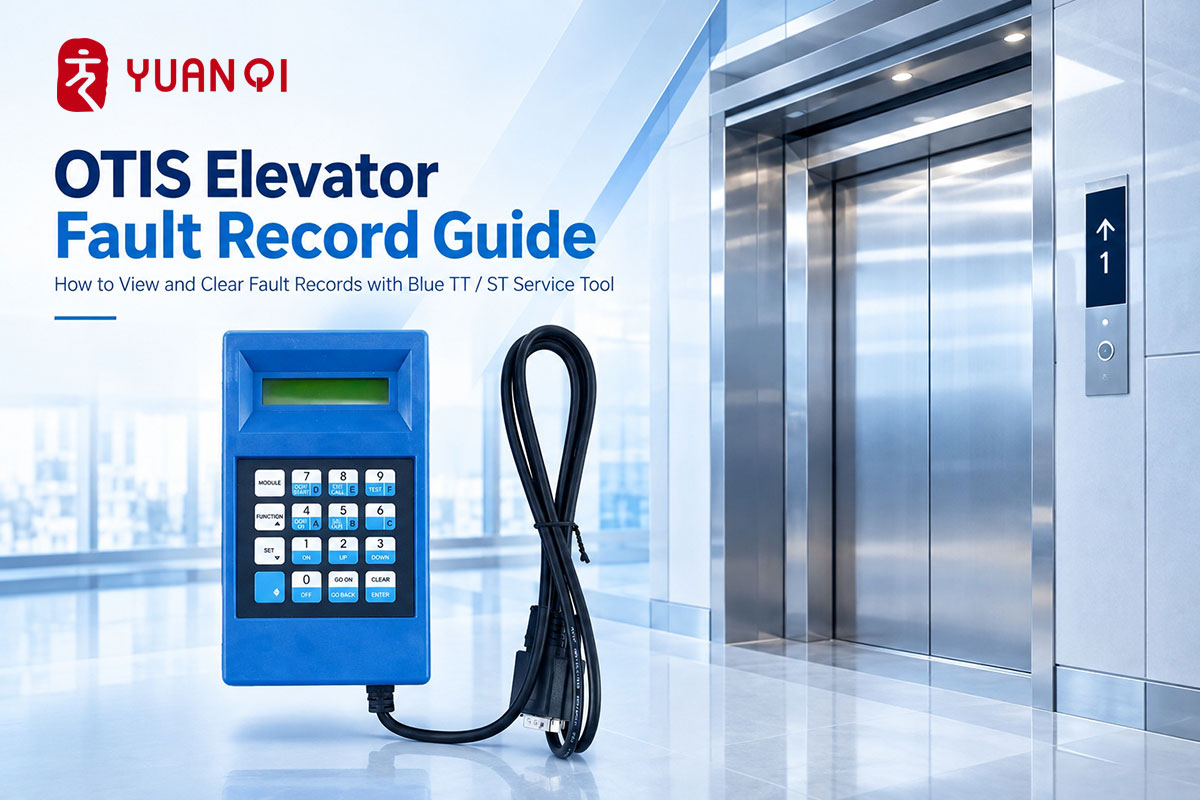
For common OTIS elevator systems, the blue TT service tool can be used to access event records, operating mode records, current faults and stored fault records. The menu path varies depending on the elevator control system.
OCSS
For OTEC-2000, 300VF and 3200 systems, the supplied instructions list the following menu paths:
- · M-1-2-2-1: Event Record
- · M-1-2-2-2: Operating Mode Record
To clear a single fault, display the corresponding fault record and press SHIFT + ENTER.
To clear all fault records, press SHIFT + 5, then follow the on-screen confirmation procedure.
LMCSS
For the LMCSS system:
- · M-2-2-2: Event Record
The supplied material specifies that the fault-clearing method is the same as the OCSS system.
OVF30
For the OVF30 system, the service tool provides separate menu paths for current faults, stored faults and clearing records:
- · M-4-2-1: View Current Fault
- · M-4-2-2: View Stored Fault
- · M-4-2-3: Clear Fault Record
LCBII
For 3100 and OTIS2000 systems using LCBII:
- · M-1-2-1: View Event Record
To clear the fault records, press SHIFT + 5 and follow the displayed confirmation procedure.
OVF20
For the OVF20 system, the supplied instructions provide two event-record viewing paths:
- · M-2-2-1: View all event records from the latest power-on period
- · M-2-2-2: View uncleared fault records from before the latest power-on
To clear the fault records, press SHIFT + 5 and follow the on-screen confirmation procedure.
OTIS Fault Record Menu Overview
|
Elevator System |
Menu Function |
ST/TT Key Sequence |
| OCSS | Event Record | M-1-2-2-1 |
| OCSS | Operating Mode Record | M-1-2-2-2 |
| LMCSS | Event Record | M-2-2-2 |
| OVF30 | Current Fault | M-4-2-1 |
| OVF30 | Stored Fault | M-4-2-2 |
| OVF30 | Clear Fault Record | M-4-2-3 |
| LCBII | Event Record | M-1-2-1 |
| OVF20 | Recent Event Records | M-2-2-1 |
| OVF20 | Uncleared Fault Records | M-2-2-2 |
The menu paths above are taken directly from the supplied reference material.
Why Fault Record Access Matters
Fault records can help maintenance personnel understand what has occurred during elevator operation and identify the appropriate record for further troubleshooting.
The exact menu path depends on the control system. Therefore, when using an blue TT service tool, the first step is to identify the applicable elevator system before accessing or clearing the records.
Note: This article is based on the supplied service information. It does not replace the applicable OTIS service manual or qualified elevator maintenance procedures.
WhatsApp: 8618192988423
E-mail: yqwebsite@eastelevator.cn
Post time: Sep-21-2026